

Google Assistant
Quick Info
App Details
Google Assistant helps you get everyday tasks done more easily and is thoughtfully designed to offer help throughout your day while keeping your information private, safe and secure.
Set reminders, get quick answers, find directions with Google Maps, and more while on-the-go with the help of your Google Assistant.
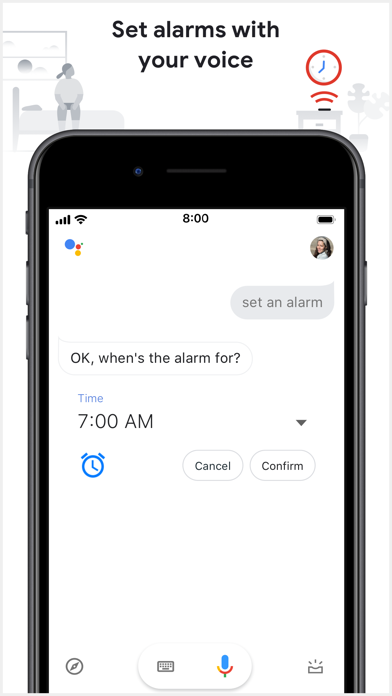
With the Assistant app, you can:
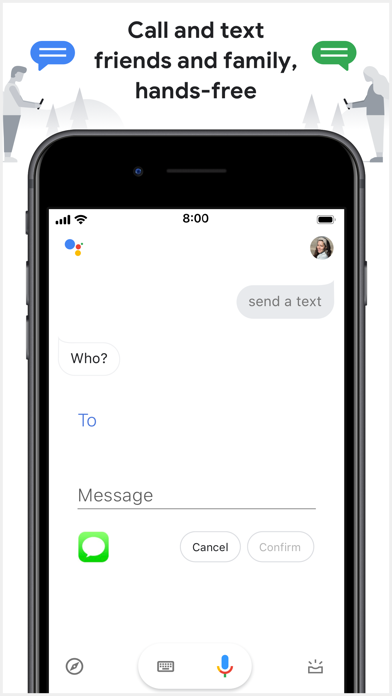
- Send text messages (e.g. "Text Kat “I’m on my way”)
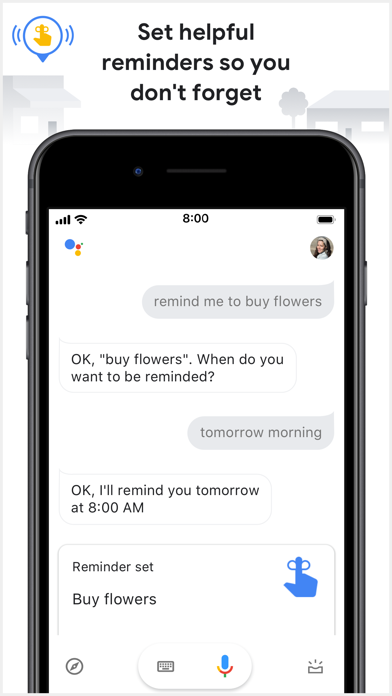
- Set reminders (e.g. "Remind me to buy a birthday gift for Sarah")
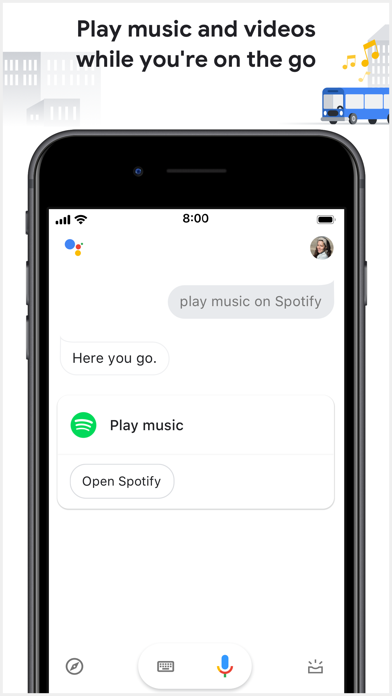
- Play music (e.g. "Play jazz music on YouTube")
- Navigate places (e.g. "Navigate to the nearest coffee shop")
- Weather information (e.g. "What’s the weather today")
- Learn more about your privacy controls (e.g., “Where can I change my privacy settings?”)
-Delete your recent Google Assistant activity (e.g., “Delete what I said this week”)
Screenshots (4)
Editor Review
AI Tools Oasis Editor Review for Google Assistant
Drawbacks & Limitations:
- Requires internet connection for most cloud-based functions.
- May consume battery during intensive voice processing.
Recommendation: Ideal for users seeking a comprehensive, easy-to-use digital assistant, especially those integrated into the Google ecosystem.
Official App Pricing & Plans
| Subscription Plan | Price (USD) | Features & Limits | Free Version |
|---|---|---|---|
| Free Plan | $0 | Limited basic features daily | Always available |
| Monthly / Pro Subscription | $4.99 - $9.99 / month | Unlimited access to all AI tools and ad-free | 3-7 day free trial |